
Status field symbols
The symbols are grouped as follows.
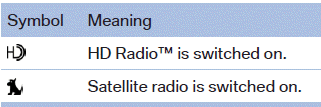
Radio symbols
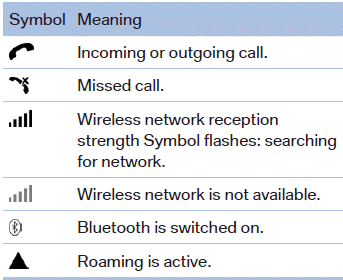
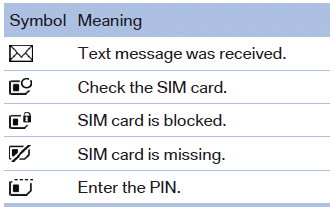
Telephone symbols
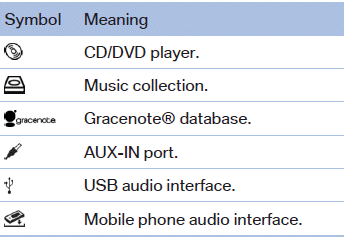
Entertainment symbols
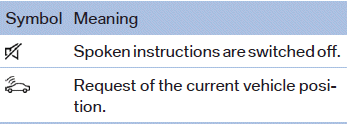
Additional symbols
See also:
Damage to safety belts
In the case of strain caused by accidents or
damage:
Have the safety belts, including the safety belt
tensioners, replaced and have the belt anchors
checked.
Checking and replacing safety bel ...
TeleService Battery Guard
TeleService Battery Guard continually checks
the battery charge level of the vehicle. If the battery
charge level falls below a certain value, a
notification is automatically sent to your service
...
Environmental conditions
▷ Say the commands, numbers, and letters
smoothly and with normal volume, emphasis,
and speed.
▷ Always say commands in the language of
the system. The language for the mobile
pho ...