
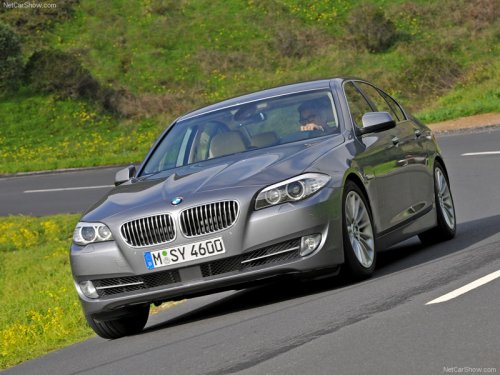
BMW 5 Series
BMW 5 Series
See also:
Switching on automatically
Select transmission position R with the engine
running.
The backup camera image is displayed if the
system was switched on via the iDrive. ...
Driving on poor roads
Your vehicle combines an all-wheel drive system
with the advantages of a normal passenger
car.
Do not drive on unpaved terrain
Do not drive on unpaved terrain, as otherwise
the vehicle may ...
X3 in the Market
At $38,000, the X3 starts substantially higher than its nearest competitor,
the Acura RDX. Save for its problematic transmission behavior, the BMW offers a
more buttoned-down driving experience th ...