
Switching the warning function on/off
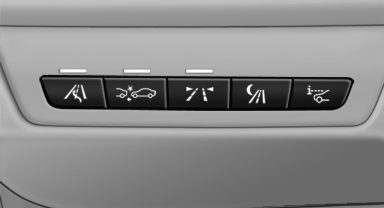
 Press the button
▷ On: the LED lights up.
▷ Off: the LED goes out.
The state is stored for the remote control currently in use.
See also:
All around the center console
1 Headliner
2 Control Display
3 Glove compartment, top/bottom
4 Air vent
5 Hazard warning system
Central locking system
6 Radio
CD/Multimedia
7 Automatic climate control
8 Controller with ...
Special windshield
The windshield is part of the system.
The shape of the windshield makes it possible
to display a precise image.
A film in the windshield prevents double images
from being displayed.
Therefore, ...
Tire Pressure Monitor TPM
The conceptCheck the inflation pressure in the four installed tires. The system notifies
you if there is a significant loss of pressure in one or more tires.
Functional requirementThe system must h ...