
Service Request
At a glance
Sends information to your service partner to request the arrangement of a service appointment.
The TeleService data is transmitted during a Service Request. If possible, your service partner will establish contact with you.
Starting a Service Request
1. "BMW Assist" or "ConnectedDrive".
2. "Service Request".
3. "Start service"
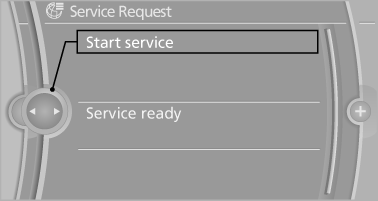
A Service Request can be started via a Check Control message.
See also:
Safety notes
Do not remove the cover
The BMW CD/DVD player is a Class 1 laser
product. Do not operate if the cover is damaged;
otherwise, severe eye damage can result.◀ ...
AUX-IN port
At a glance
▷ For connecting audio devices, e.g., MP3
player. The sound is output on the vehicle
loudspeakers.
▷ Recommendation: use medium tone and
volume settings on the audio de ...
Messages after trip completion
Special messages that are displayed during
driving are displayed again after the ignition is
switched off. ...