
Switching on/off manually
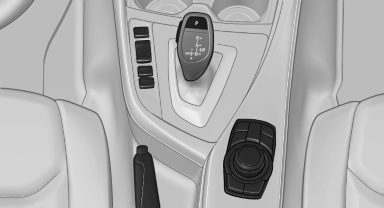
Switching on/off manually
 Press the button.
▷ On: the LED lights up.
▷ Off: the LED goes out.
The PDC is shown on the Control Display.
Switch on the backup camera via the iDrive.
See also:
Entering an address using a command
1. Press the
button on the steering
wheel.
2. Enter address
3. Wait for a request from the system.
4. Say the address in the suggested order.
5. Continue making the entry as prompted by
the ...
Compressed audio files
Playback
1. Select the directory if necessary.
Select the directory if necessary
2. Press the button.
3. Select a track.
Select a track
4. Press the button.
5. Select "Play".
6 ...
Light-emitting diodes LED
Light-emitting diodes installed behind translucent
lenses serve as the light source for many of
the controls, displays and other equipment in
your vehicle.
These light-emitting diodes, which op ...