
Controller with navigation system
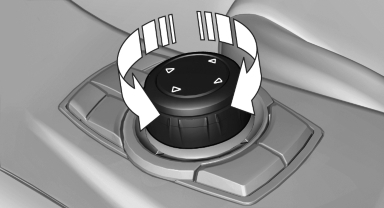
Select menu items and create settings.
1. Turn.
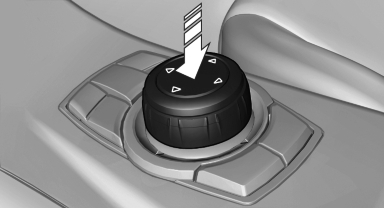
2. Press.
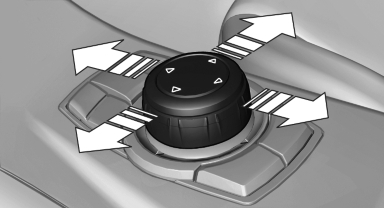
3. Move in four directions.
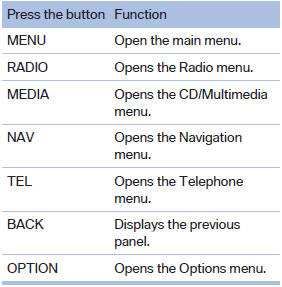
Buttons on controller
See also:
Integrated key
Integrated key
Press button 1 and pull out the key.
The integrated key fits the following locks:
▷ Driver's door, refer
▷ Cargo floor cover in cargo area ...
Opening the traffic bulletins
1. "Navigation".
2. "Map".
3. "Traffic Info".
First the traffic bulletins for the calculated route are displayed. The traffic
bulletins are sorted by their distance ...
The concept
DSC prevents traction loss in the driving wheels
when driving away and accelerating.
DSC also recognizes unstable vehicle conditions,
such as fishtailing or nose-diving. Subject
to physical lim ...