
Editing a contact
1. "My contacts"
2. Select the desired contact.
3. "Edit contact"
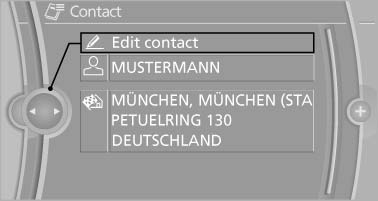
Edit contact
4. Change the entries.
5. Move the controller to the left.
6. "Yes"
See also:
Environmental conditions
▷ Say the commands, numbers, and letters
smoothly and with normal volume, emphasis,
and speed.
▷ Always say commands in the language of
the voice activation system.
▷ When se ...
After the ignition is switched off
The roof can still be operated for approx. 1 minute,
as long as no door has been opened. ...
Programmable memorybuttons
General information
The iDrive functions can be stored on the programmable
memory buttons and called up directly,
e.g., radio stations, navigation destinations,
phone numbers and entry points into ...