
Opening
Front
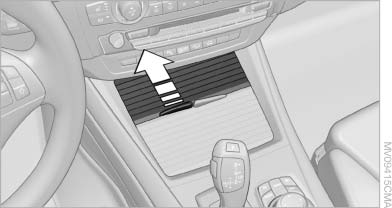
Front
To open the cover, slide it forward
Rear
BMW X6
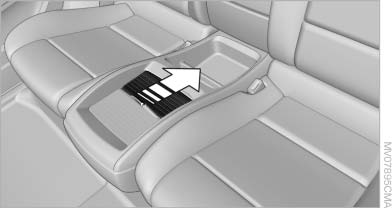
BMW X6
Slide the cover back.
Emptying
Take out the insert.
See also:
Updating the navigation data
General information
Navigation data are stored in the vehicle and can
be updated.
Current navigation data and the authorization
code are available from your service center.
▷ Depending on ...
Shifting
Shifting into 5th or 6th gear
When shifting into 5th or 6th gear, push
the gearshift lever to the right; otherwise inadvertent
shifting into the 3rd or 4th gear could
lead to engine damage ...
Opening the favorites
If an activated favorite is being played, the message "Favorite alert!" appears
for approx.
20 seconds.
Select "Favorites" while the alert message is
being displayed.
The ...