
Switching on/off manually
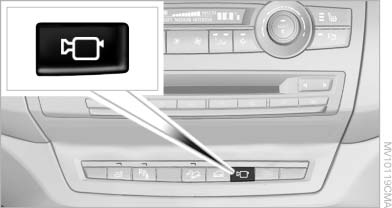
Switching on/off manually
Press the button.
See also:
Activating/deactivating Bluetooth
Bluetooth is not permitted everywhere. Comply
with all safety guidelines and regulations.
1. "Telephone"
2. "Options" Open.
3. "Bluetooth®" ...
Switching on/off
Press the button ...
CD/DVD changer
In the glove compartment
In the glove compartment
The BMW CD/DVD changer for six CDs/DVDs is
located in the glove compartment
Controls and displays
Controls and displays
1 Empty CD/DVD comp ...