
Activating HDC
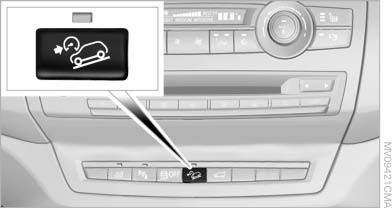
Activating HDC
Press the button; the LED above the button lights up.
The LED flashes when the brakes are applied automatically.
See also:
Route
General informationDepending on your vehicle's equipment, various views of the route are available
during route guidance:
> Arrow display on the Control Display.
> List of route segments ...
Playing CD/DVD
Use the following menu items to access data
from a CD/DVD:
▷ Video data via "DVD"
▷ Audio data via "CD"
▷ Images "Photo"
Playing CD/ ...
Emergency detection of remote control
It is possible to switch on the ignition or start the
engine in situations such as the following:
▷ Interference of radio transmission to remote
control by external sources.
▷ Discha ...