
Displays in the instrument cluster
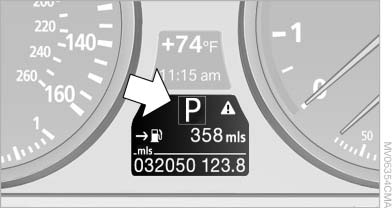
Displays in the instrument cluster
The gear position is displayed and the engaged gear, such as M4, is displayed in manual mode.
See also:
Vehicle equipment
All standard, country-specific and optional
equipment that is offered in the model series is
described in this chapter. Therefore, equipment
is also described that is not available in a vehicle,
e ...
Controls
Controls
1 Volume, on/off
2 Eject CD/DVD
3 CD/DVD drive
4 Change the entertainment source
5 Change station/track
6 Programmable memory buttons ...
Headlamp range control
With halogen headlamps, the headlamp range of
the low beams can be manually adjusted for the
vehicle load to avoid blinding oncoming traffic.
The values following the slash apply to trailer
ope ...