
Fuel cap
Opening
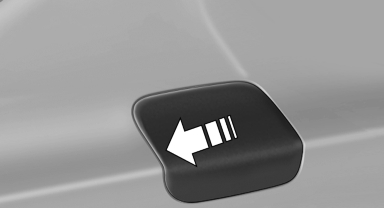
1. Briefly press the rear edge of the fuel filler flap.
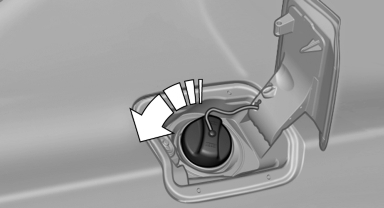
2. Turn the fuel cap counterclockwise.
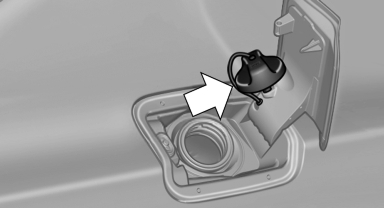
3. Place the fuel cap in the bracket attached to the fuel filler flap.
Closing
1. Fit the cap and turn it clockwise until you
clearly hear a click.
2. Close the fuel filler flap.
 Do not pinch the retaining strap
Do not pinch the retaining strap attached to the cap; otherwise, the cap cannot be closed properly and fuel vapors can escape.
A message is displayed if the cap is loose or missing.
Manually unlocking fuel filler flap
In the event of an electrical malfunction, for example.
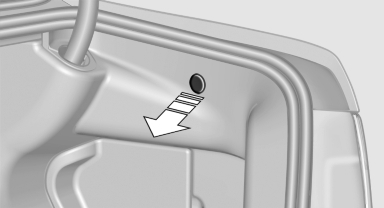
Pull the green knob with the fuel pump symbol. This releases the fuel filler flap.
See also:
Entertainment
This chapter helps assure your enjoyment when
receiving radio stations and playing CDs, DVDs,
and tracks from the music collection. ...
Units of measure
Setting the units of measure
To set the units for fuel consumption, route/distance
and temperature:
1. "Settings"
2. "Language/Units"
3. Select the desired menu item.
...
Country codes of DVDs
Your DVD player only plays DVDs with the coding
of your home region, e.g., Europe=2. The
country codes supported by your DVD are contained
in the information on your DVD.
An overview of the cod ...