
Bypassing a section of the route
Calculate a new route for a route section.
1. "Navigation"
2. "Route information"
3. "New route for"
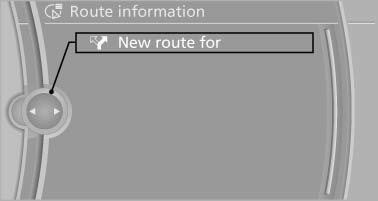
4. Turn the controller. Enter the number of kilometers within which you would like to return to the original route.
5. Press the controller.
See also:
Front
Front
Slide the cover back. ...
Automatic Service Request
Data regarding the maintenance status or legally
mandated inspections of the vehicle are automatically
transmitted to your service center before
a service due date.
You can check when your serv ...
Comparison with ordinary remote control
The functions can be controlled by pressing the
buttons of the remote control or Comfort Access.
Unlocking
Grasp the door handle on the driver's or front
passenger door completely, arrow 1. Th ...