
Opening
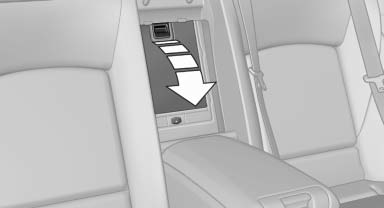
Pull on the opener and fold the cooler forward.
See also:
At a glance
The concept
Mobile phones or other external devices such as
audio players can be connected to the vehicle
via Bluetooth.
After these devices are paired once, they are
recognized automatically w ...
First aid kit
The first aid kit is located behind the left-hand
cover in the cargo area.
Some of the articles have a limited service life.
Check the expiration dates of the contents regularly
and replace ...
At a glance
...