
Switching the warning function on/off
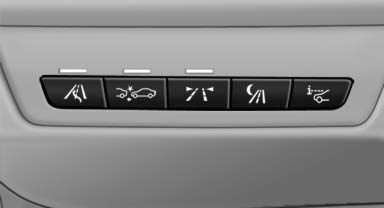
 Press the button
- On: the LED lights up.
- Off: the LED goes out.
The state is stored for the remote control currently in use.
See also:
Glove compartment
Opening
Pull the handle.
The light in the glove compartment comes on.
To prevent injury in the event of an accident
while the vehicle is being driven, close the glove compartment immediately a ...
AM/FM station
Selecting a station
1. "Radio"
2. "FM" or "AM"
3. Select the desired station
All saved stations are stored for the remote control
currently in use.
Changing the ...
General information
Danger of burns from hot engine
Do not open the cooling system while the
engine is hot; otherwise, escaping coolant may
cause burns.◀
Suitable additives
Only use suitable additives; o ...