
Switching on/off
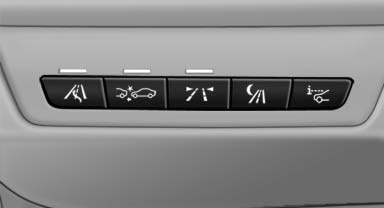
 Press the button.
- On: the LED lights up.
- Off: the LED goes out.
The system can issue warnings at speeds above approx. 30 mph/50 km/h.
The state is stored for the remote control currently in use.
See also:
Instrument panel in Black Panel technology.
Like so many aspects of the new BMW 5-Series sedan, its instrument cluster
combines BMW tradition with advanced, beautiful new executions. Here the entire
cluster is in a high-resolution Black Pan ...
Only refill the diesel exhaust fluid
yourself in exceptional circumstances
To be able to reach the nearest service center
with your vehicle, you may refill the diesel exhaust
fluid yourself, making sure to heed the
warning notices specified below.
Handling diesel ex ...
Programming
▷ LED, arrow 1.
▷ Memory buttons, arrow 2.
Fixed-code hand-held transmitters
1. Switch on the ignition.
2. Initial setup:
Press the two outer memory buttons 1 and
3 for approx. 20 ...