
Indicator/warning lamps
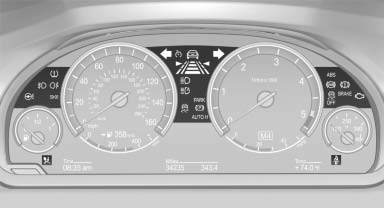
The indicator and warning lamps can light up in a variety of combinations and colors.
Several of the lamps are checked for proper functioning and light up temporarily when the engine is started or the ignition is switched on.
See also:
Displaying the task list
Display tasks that are due within the next
90 days.
1. "Office"
2. "Tasks" ...
Visual warning
The approach of the vehicle to an object can be
shown on the Control Display. Objects that are
farther away are displayed on the Control Display
before a signal tone sounds.
A display appears a ...
Safety
As of publication, the X6 hasn't been crash-tested by the Insurance Institute
for Highway Safety. The SUV comes with a number of standard safety features,
including antilock brakes, side-impact ai ...