
Driver's door controls
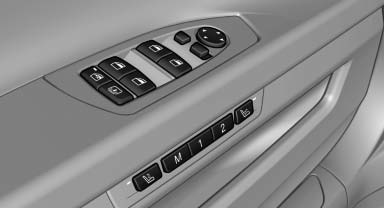
Roller blind for rear window
 Press the button.
Extending or retracting the roller blinds together
 Press and hold the button.
See also:
Status of this Owner's Manual at time of printing
BMW pursues a policy of continuous, ongoing development that is conceived to
ensure that our vehicles continue to embody the highest quality and safety standards
combined with advanced, state-of-t ...
Deleting all stored programs
Press the left and right memory buttons for approx.
20 seconds until the LED flashes rapidly.
All stored programs are deleted.
The programs cannot be deleted individually. ...
Vehicle battery
Maintenance
The battery is maintenance-free, i.e., the electrolyte
will last for the life of the battery.
Your service center will be glad to advise you on
questions regarding the battery.
Batt ...