
The concept
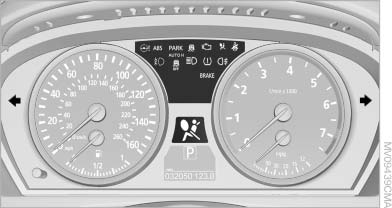
Indicator/warning lamps
The indicator and warning lamps can light up in a variety of combinations and colors.
Several of the lamps are checked for proper functioning when the engine is started or the ignition is switched on, and light up briefly.
See also:
Configuring the devices
Additional functions can be activated or deactivated
for paired and connected devices.
1. "Telephone"
2. "Bluetooth® (phone)"
3. Highlight the device to be configured.
4. Ope ...
Time
The time is displayed at the
bottom
of the instrument cluster.
Setting the time and time format ...
Enabling operation in the rear
Only possible via the iDrive in the front.
1. "Settings"
2. "Allow rear control"
3. Select the desired priority.
...