
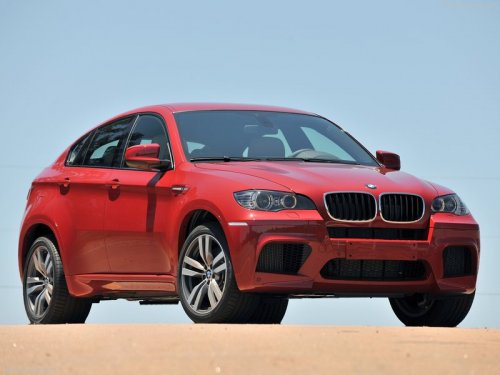
BMW X6
BMW X6
See also:
Camera
The camera is located on the front of the interior
rearview mirror.
Keep the area in front of the interior rearview
mirror clear. ...
Storing a station
1. "Radio"
2. "FM" or "AM"
3. Highlight the desired station.
Highlight the desired station
4. Press the controller for an extended period.
5. Select the desired me ...
Rear
In the center armrest.
Pull the center armrest forward at the strap.
To open: press the button.
To close: push both covers back in, one after the
other.
Pushing back the covers
Push back the ...