
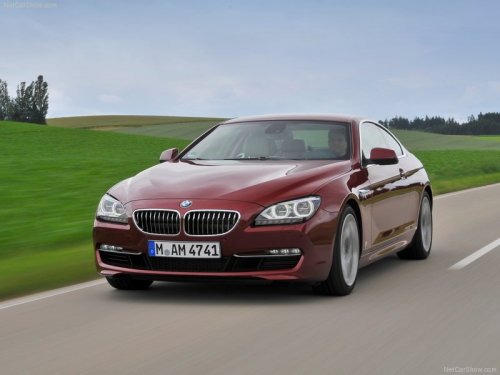
BMW 6 Series
BMW 6 Series
See also:
Continuing destination guidance
If the destination was not reached during the last
trip, destination guidance can be resumed.
"Resume guidance" ...
For better control
The indicator lamp
flashes: DSC controls
the drive forces and brake forces.
The indicator lamp lights up: DSC and
DTC has failed.
DSC deactivated:
The indicator lamp
lights up and
DSC O ...
Front lamps, bulb replacement
Halogen headlamps
At a glance
1. High beams
2. Parking lamps
3. Low beams
4. Turn signal
Parking lamps and roadside parking lamps,
lateral turn signal lamp
Follow the general instructions o ...