
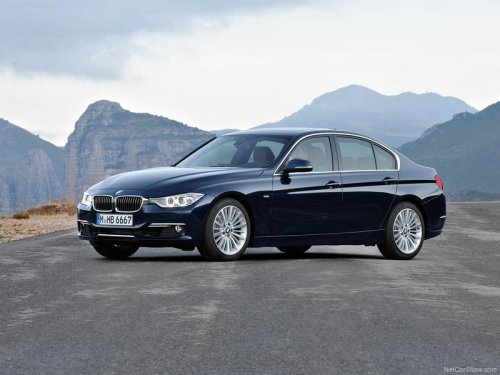
BMW 3 Series
BMW 3 Series
See also:
Washer/wiper system
Do not switch on the wipers if frozen<>
Do not switch on the wipers if they are frozen
onto the windshield; otherwise, the wiper
blades and the windshield wiper motor may be
damaged.&# ...
Display on the Control Display
Display the computer or trip computer on the
Control Display.
1. "Vehicle Info"
2. "Onboard info" or "Trip computer"
Resetting the fuel consumption or
speed
1. &q ...
Snow chains
Fine-link snow chains
Only certain types of fine-link snow chains have
been tested by the manufacturer of your vehicle,
classified as road-safe and recommended.
Consult your service center for m ...