
Services status
Displaying available services
Display of all services available in the vehicle.
1. "BMW Assist" or "ConnectedDrive"
2. "Service Status"
3. "Available services"
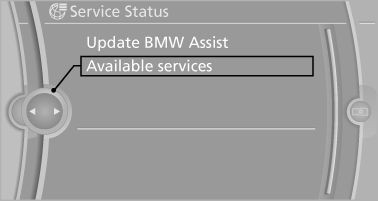
Updating BMW Assist
Manual update of TeleService and BMW Assist.
"Update BMW Assist"
See also:
Enlarging the cargo area
General information
The cargo area can be enlarged by folding down
the rear seat backrests.
The rear seat backrest is divided into two parts
at a ratio of 60 to 40.
If equipped with through-l ...
The concept
Mobile phones or other external devices such as
audio players can be connected to the vehicle
via Bluetooth.
After these devices are paired once, they are
recognized automatically when the igni ...
Activating HDC
Press the button; the LED above
the button
lights up. ...