
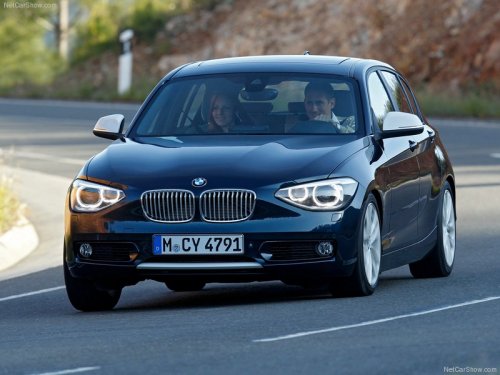
BMW 1 Series
BMW 1 Series
See also:
The concept
The DTC system is a version of the DSC in which
forward momentum is optimized.
The system ensures maximum forward momentum
on special road conditions, e.g., unplowed
snowy roads, but driving st ...
Activating/deactivating the limit
1. "Settings"
2. "Speed"
3. "Warning" ...
Ride & Handling
One of my lasting memories of the prior-generation X3 was its extremely firm
ride, which led to a choppy driving experience on rough roads. It was
disappointing, to say the least, because BMWs oft ...