
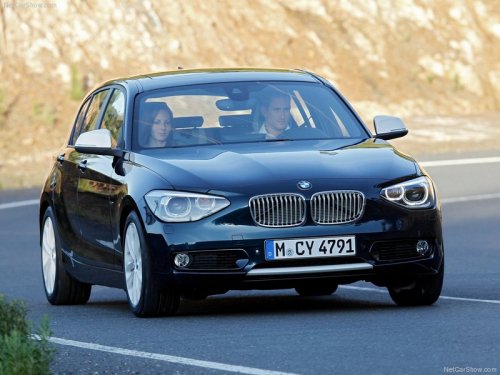
BMW 1 Series
BMW 1 Series
See also:
Vehicle equipment
All standard, country-specific and optional
equipment that is offered in the model series is
described in this chapter. Therefore, equipment
is also described that is not available in a vehicle, ...
Interior motion sensor
The windows and glass sunroof must be closed
for the system to function properly ...
Using the door lock
General information
Locking from the outside
Do not lock the vehicle from the outside if
there are people in it, as the vehicle cannot be
unlocked from inside without special knowledge.◄
...