
BMW 1 Series
BMW 1 Series
See also:
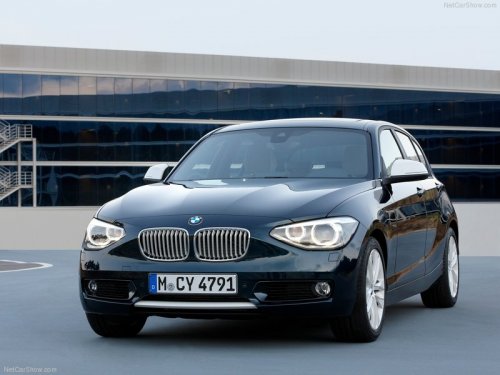
Driving experience: benchmark dynamics and exceptional comfort.
Highly advanced drivetrain and suspension technologies combine agile handling
for the driver and a high standard of riding comfort for passengers. When
equipped with the Sport Package, the new BMW ...
Requirements
▷ Equipment version with full preparation
package mobile phone.
An Emergency Request can be made, even
if no mobile phones are paired with the vehicle.
▷ BMW Assist is activated.
&# ...
Capacities
...