
Switching on/off
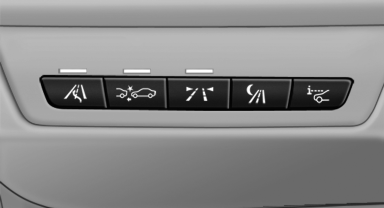
 Press the button.
See also:
TRACTION
When TRACTION is active, the vehicle has maximum
traction on loose road surfaces. DTC Dynamic
Traction Control, is activated.
Driving stability is limited during
acceleration and when dri ...
Lane departure warning
The concept
Starting at a specific speed, this system alerts
you when the vehicle on streets with lane markings
is about to leave the lane. Depending on the
country-specific version of the vehicle ...
Interior rearview mirror, automatic
dimming feature
The concept
Interior rearview mirror, automatic
dimming feature
Photocells are used for control:
▷ In the mirror glass.
▷ On the back of the mirror.
Functional requirement
For pr ...