
Head-up Display
The concept
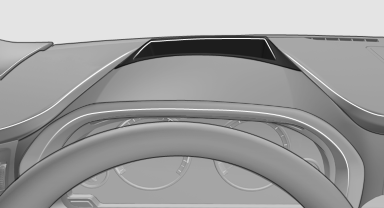
This system projects important information into the driver's field of vision, e.g., the speed.
In this way, the driver can get information without averting his or her eyes from the road.
See also:
Priority options
The driver has priority
The source selected via iDrive in the front is
output on the vehicle loudspeakers and can
be selected but not operated from the rear.
Other audio or video sources ...
Emergency Request
Requirements
► Equipment version with full preparation
package mobile phone.
An Emergency Request can be made, even
if no mobile phones are paired with the vehicle.
► BMW Assist i ...
Vehicle equipment
This Owner's Manual describes all models and
all standard, country-specific and optional
equipment that is offered in the model series.
Therefore, in this Owner's Manual, equipment is
also descr ...