
Switching the warning function on/off
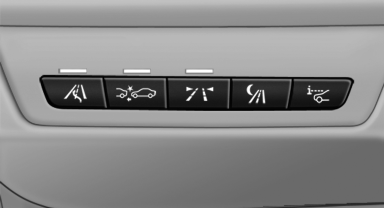
 Press the button
▷ On: the LED lights up.
▷ Off: the LED goes out.
The state is stored for the remote control currently in use.
See also:
The concept
This system assists the driver in parking parallel
to the road.
Ultrasound sensors measure parking spaces on
both sides of the vehicle.
The parking assistant calculates the best possible
par ...
Condensation under the parked vehicle
When using the automatic climate control, condensation
water develops that exits underneath
the vehicle.
Therefore, traces of condensed water under the
vehicle are normal. ...
Thigh support
Pull the lever at the front of the seat and adjust
the thigh support. ...