
Switching on/off
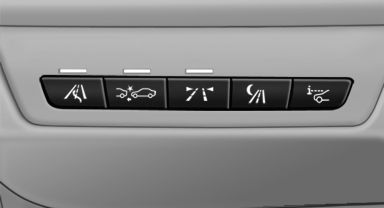
 Press the button.
▷ On: the LED lights up.
▷ Off: the LED goes out.
The system can issue warnings at speeds above approx. 40 mph/65 km/h.
The state is stored for the remote control currently in use.
See also:
Loss of the remote controls
Lost remote controls can be blocked by your
service center. ...
Automatic locking
The setting is stored for the remote control currently
in use.
1. "Settings"
2. "Door locks"
3. Select the desired function:
▷ "Lock if no door is opened"
T ...
Vehicle equipment
All standard, country-specific and optional
equipment that is offered in the model series is
described in this chapter. Therefore, equipment
is also described that is not available in a vehicle, ...