
Driver's door controls
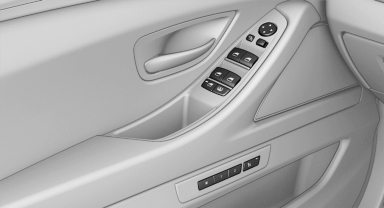
Driver's door controls
Roller blind for rear window
 Press the button.
See also:
Vehicle equipment
All standard, country-specific and optional
equipment that is offered in the model series is
described in this chapter. Therefore, equipment
is also described that is not available in a vehicle,
e ...
Settings for the map view
The settings are stored for the remote control
currently in use.
1. "Navigation"
2. "Map"
3. Open "Options".
4. "Settings"
Set the map view.
► &q ...
Locking and unlocking
Locking and unlocking
Pressing the buttons locks and unlocks the
doors and the trunk lid when the front doors are
closed, but they are not secured against theft.
The fuel filler flap remains u ...