
Service Request
At a glance
Sends information to your service partner to request the arrangement of a service appointment.
The TeleService data is transmitted during a Service Request. If possible, your service partner will establish contact with you.
Starting a Service Request
1. "BMW Assist" or "ConnectedDrive".
2. "Service Request".
3. "Start service"
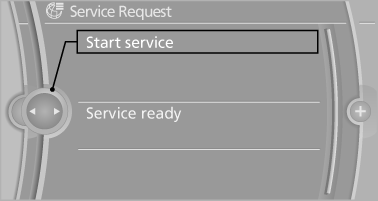
A Service Request can be started via a Check Control message.
See also:
Selecting a station manually
Station selection via the frequency.
1. "Radio"
2. "FM" or "AM"
3. "Manual"
4. To select the frequency: turn the controller.
To store the station: press ...
Connecting a particular mobile phone
If more than one mobile phone is detected by the
vehicle, the mobile phone at the top of the list is
connected. If a different detected cell phone is
connected with the vehicle. A different mobi ...
Radio
Your radio is designed for reception of the following stations:
> FM and AM
> HD Radio
> Satellite radio ...