
Switching on/off manually
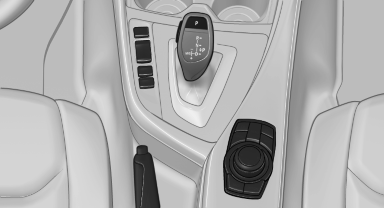
Switching on/off manually
 Press the button.
▷ On: the LED lights up.
▷ Off: the LED goes out.
If Top View is displayed, switch on the backup camera via the iDrive.
See also:
Received calls
Displaying calls
The 20 calls that were last received are displayed.
1. "Telephone"
2. "Received calls"
Displaying calls
Calling a number from the list
Selecting an entry.
...
Adjusting the volume
Turn the knob until the desired volume is selected.
The setting is stored for the remote control
currently in use.
The vehicle automatically adjusts the volume of
the microphone on the telephone ...
Controls
Activating
Switch position with the
ignition switched
on.
The turning lamps are automatically switched
on depending on the steering angle or the use
of turn signals.
To avoid blinding onco ...