
Switching on/off manually
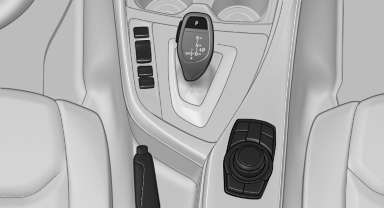
Switching on/off manually
 Press the button.
▷ On: the LED lights up.
▷ Off: the LED goes out.
The PDC is shown on the Control Display.
Switch on the backup camera via the iDrive.
See also:
Malfunction
A message is displayed in the instrument cluster.
HDC is not available, e.g., due to elevated
brake temperatures. ...
My contacts
General information
List of all contacts. ...
Adjusting
General information
Do not adjust the seat while driving
Never attempt to adjust the driver's seat
while driving.
The seat could respond with unexpected movement
and the ensuing loss of vehicl ...