
Switching on/off manually
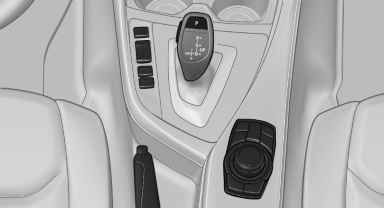
Switching on/off manually
 Press the button.
▷ On: the LED lights up.
▷ Off: the LED goes out.
See also:
For Canadian customers
Canadian customers who wish to report a
safety-related defect to Transport Canada, Defect
Investigations and Recalls, may telephone
the toll-free hotline 1-800-333-0510. You can
also obtain ot ...
Malfunction
In the event of a failure or malfunction of the
parking brake, secure the vehicle against rolling
using a wheel chock, for example, when leaving
it. ...
Starting destination guidance
1. "Navigation"
2. Make a destination entry.
3. "Accept destination"
4. "Start guidance"
The route is shown on the Control Display.
The distance to the destinati ...