
Switching the warning function on/off
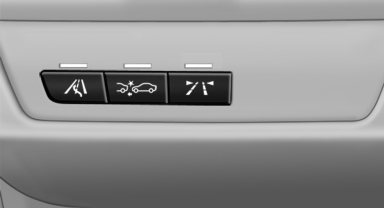
Switching the warning function on/off
 Press the button
▷ On: the LED lights up.
▷ Off: the LED goes out.
The state is stored for the remote control currently in use.
See also:
HD Radio™ reception
Many stations broadcast both analog and digital
signals.
License conditions
HD Radio™ technology manufactured under license
from iBiquity Digital Corp. U. S. and Foreign
Patents. HD Radio™ and ...
Selecting a channel
You can only listen to enabled channels.
The selected channel is stored for the remote control currently in use.
Via iDrive1. "Radio"
2. "Satellite radio"
3. ...
Tone
Only treble and bass can be set in the rear. The
settings are made separately for the left and
right headphones.
Operation is the same as for the front tone. ...