
Switching on/off
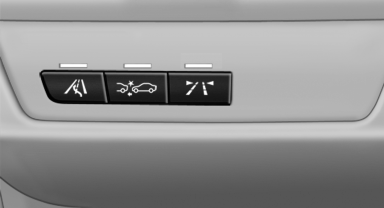
Switching on/off
 Press the button.
▷ On: the LED lights up.
▷ Off: the LED goes out.
The system can issue warnings at speeds above approx. 30 mph/50 km/h.
The state is stored for the remote control currently in use.
See also:
General information
If you are no longer able to move the roller sunblind
for the rear window after having activated
it a number of times in a row, the system is
blocked for a limited time to prevent overheating.
...
General information
1. Turn the controller: select letters or numbers.
2. Select additional letters or numbers if
needed.
3. "OK": confirm the entry.
...
Brake system
Brakes require an initial break-in period of approx.
300 miles/500 km to achieve optimized
contact and wear patterns between brake pads
and rotors. Drive cautiously during this break-in
period. ...