
Switching on/off
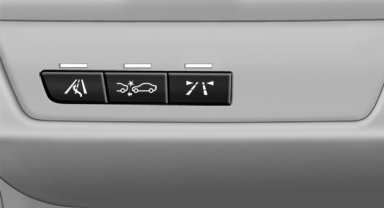
 Press the button.
▷ On: the LED lights up.
▷ Off: the LED goes out.
The state is stored for the remote control currently in use.
See also:
CD changer
The BMW CD changer for six CDs is behind the left side panel in the cargo area.
Removing the CD magazineTo insert or remove CDs from the CD magazine, you must first remove it from the
CD changer: ...
Active seat
Active adjustment of the seat cushion's contours
reduces muscular tension and fatigue to
help prevent lower back pain.
Press the button. The LED lights
up. ...
Front lamps, bulb replacement
At a glance
Halogen headlamps
1 High beams/headlamp flasher
2 Parking lamps
3 Low beams
4 Turn signal/side marker light
Xenon headlamps
1 Parking lamps / daytime running lights
2 Low beams ...