
Activating a list and creating the setting
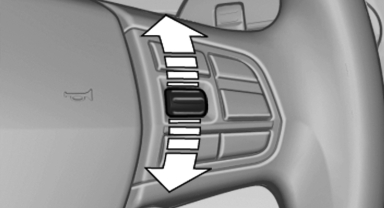
Activating a list and creating the setting
On the right side of the steering wheel, turn the thumbwheel to activate the corresponding list.
Using the thumbwheel, select the desired setting and confirm it by pressing the thumbwheel.
See also:
Pinch protection system
If the closing force exceeds a specific value as a
window closes, the closing action is interrupted.
The window reopens slightly.
Danger of pinching even with pinch protection
Even with the pin ...
Automatic climate control
Automatic climate control
1 Seat heating, left
2 Vent settings
3 Rear window defroster
4 Air flow
5 AUTO program
6 Temperature
7 Seat heating, right
8 Cooling function
9 Recirculated-air mo ...
Ashtray
Opening
Push the ridge on the cover.
Emptying
Lift out the insert.
Lighter
With the engine running or the ignition switched on, press in the cigarette lighter.
The lighter can be pulled out as s ...