
General information
 Take the remote control with
you
Take the remote control with
you
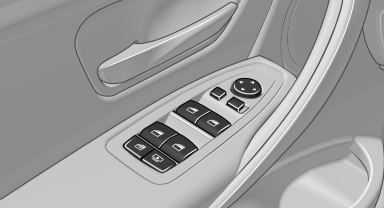
Take the remote control with you when leaving the vehicle so that children, for example, cannot operate the power windows and injure themselves.
See also:
Striking accentuations at the front and rear, adaptive LED headlamps as a
fnew option
Precisely modified details in the front view give the new BMW X6 an
appearance characterised by exclusive athleticism and supremacy. The standard
fog lights are now set in matt finish surrounds in ...
Initializing after a power failure
After a power failure during the opening or closing
process, the roof can only be operated to a
limited extent.
Initializing the system
The system can be initialized when the vehicle
is stationar ...
Concierge service
General information
The BMW Assist Concierge service offers information
on events, gas stations or hotels, and
provides phone numbers and addresses. Hotels
can be booked directly by the BMW Ass ...