
Changing settings
1. Select a field.
2. Turn the controller until the desired setting is displayed.
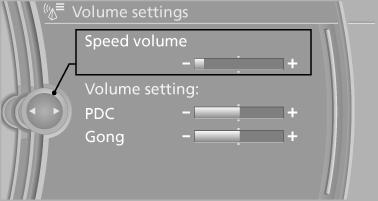
3. Press the controller.
See also:
Resetting the system
Reset the system after each correction of the
tire inflation pressure and after every tire or
wheel change.
1. "Vehicle Info"
2. "Vehicle status"
3. "Reset"
4. S ...
Additional functions
Activating/deactivating the additional
functions
Activate the functions before pairing to be able
to use them in the vehicle. Information on suitable
mobile phones that support this function.
...
In cargo area
Open the right-hand side panel in the cargo
area. ...