
Adjusting the volume
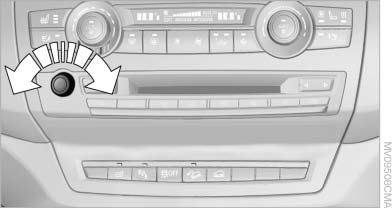
Adjusting the volume
Turn the knob during an announcement.
▷ The volume remains constant even if the
volume of other audio sources is changed.
▷ The volume is stored for the remote control
currently in use.
See also:
General information
Take the remote control with you
Take the remote control with you when
leaving the vehicle so that children, for example,
cannot operate the power windows and injure
themselves.◀
...
Loss of the remote controls
Lost remote controls can be blocked by your
service center. ...
Shoulder support
Also supports the back in the shoulder area:
Results in a relaxed seating position.
Reduces strain on the shoulder muscles.
...