
Playback
1. Switch on the external device and start the playback.
2. Open the start menu with the remote control.
3. Select "AUX".
4.  Press the
button.
Press the
button.
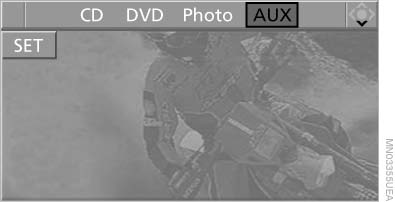
Playback
For devices without a video signal, for instance MP3 players, "No video signal" appears on the display. The sound is nevertheless played.
See also:
Switching the high beams on and offmanually
► High beams on, arrow 1.
► High beams off/headlamp flasher, arrow 2.
The High-beam Assistant can be switched off
when manually adjusting the light. To reactivate
the High-beam Assis ...
Vehicle equipment
All standard, country-specific and optional
equipment that is offered in the model series is
described in this chapter. Therefore, equipment
is also described that is not available in a vehicle, ...
Units of measure
Setting the units of measure
To set the units for fuel consumption, route/distance
and temperature:
1. "Settings"
2. "Language/Units"
3. Select the desired menu item.
...