
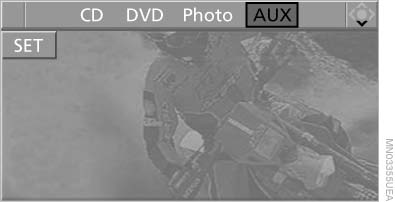
Playing CD/DVD
Use the following menu items to access data from a CD/DVD:
▷ Video data via "DVD"
▷ Audio data via "CD"
▷ Images "Photo"
Playing CD/
See also:
Actions in the event of a flat tire
Run-flat tires
You can continue driving with a damaged tire at
speeds up to 50 mph/80 km/h.
Do not continue driving without run-flat
tires
If the vehicle is not equipped with run-flat tires
...
Initialization after a power failure
After a power failure, it is only possible to raise
the roof, if necessary.
Have the system initialized by your service center. ...
Telephone
Vehicle equipment
All standard, country-specific and optional
equipment that is offered in the model series is
described in this chapter. Therefore, equipment
is also described that is not avai ...